

Create a workspace
Create a workspace in TukiAssistant, step by step.
A workspace groups the agents, knowledge, and conversations of a business or a team. An agent is the assistant that answers your customers in the chat on your site, WhatsApp, Telegram, or other channels.
If you just created your account, registration already created your first workspace with the name you entered in the form. Follow this guide to create another workspace, or if you don’t have an agent yet.
1. Create a workspace
Open your organization
In the side menu, open the Organization switcher and choose your organization. The console opens with the Workspaces section.
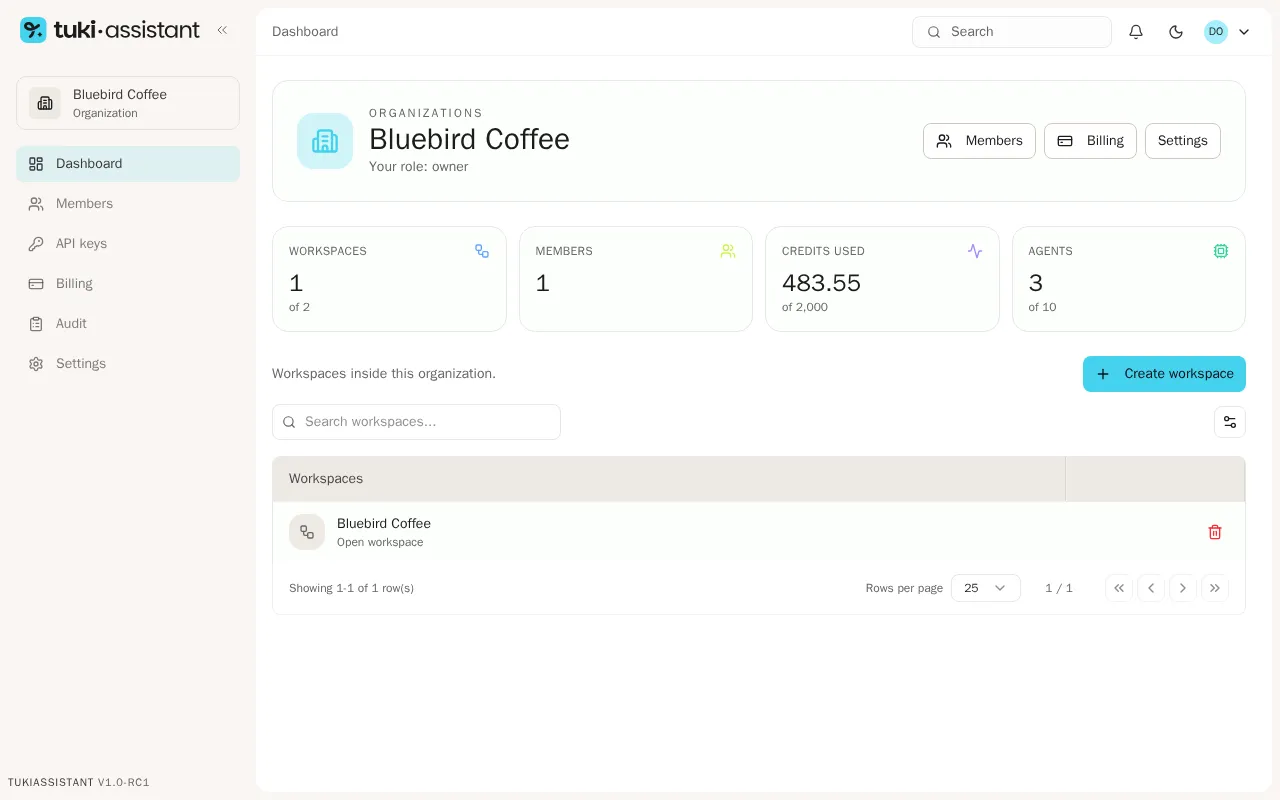
Enter a name
Click Create workspace and enter the Workspace name.
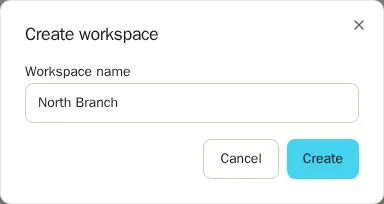
Confirm
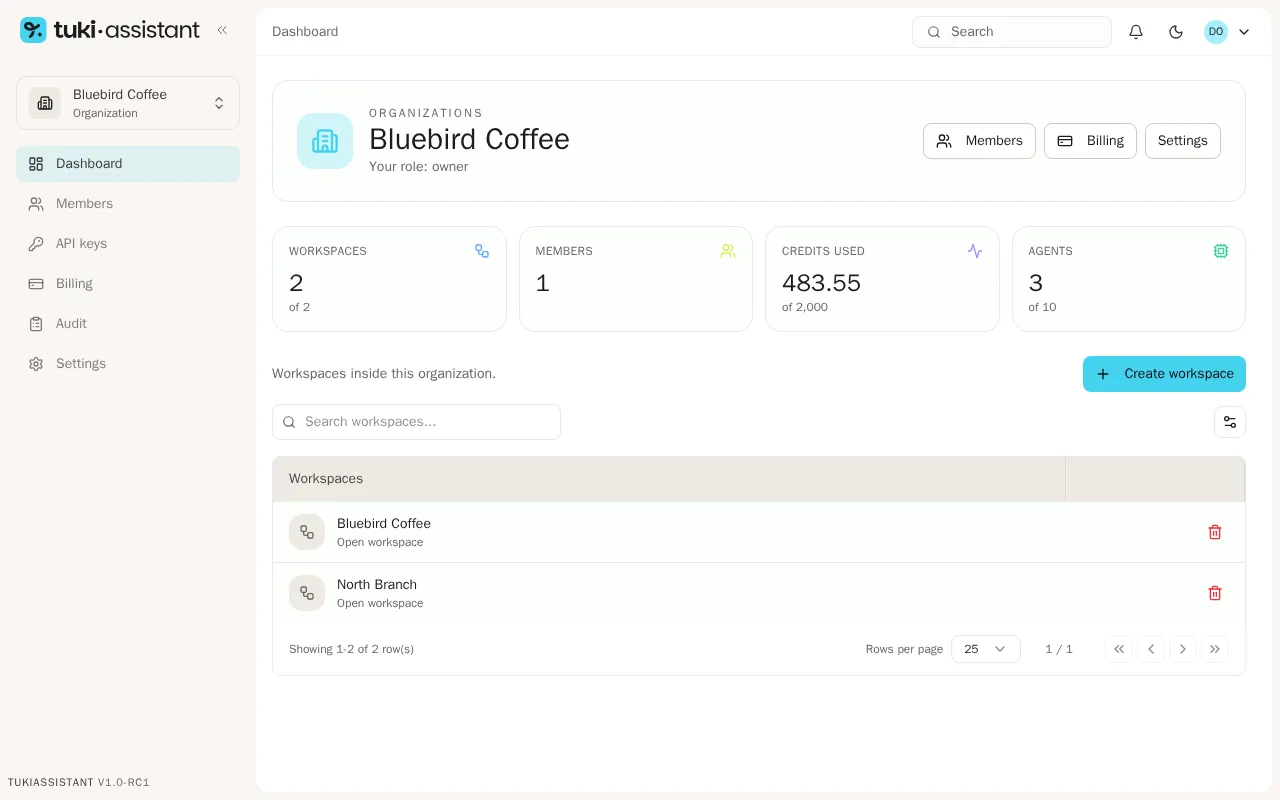
Click Create. The workspace appears in the list, and you can open it with Open workspace.
2. Create your first agent
Once your workspace is ready, create your first agent from a template or from scratch.
Next steps
Review the status of your agents
Create a frequently asked question
Connect a WhatsApp number
Review your credits