Create a FAQ
Add a question and its answer so your agents use it whenever a customer asks the same thing.
FAQs are answers you write once and your agents reuse. You can assign each one to one or more agents, or share it with every agent in the workspace.
Steps
Open FAQs
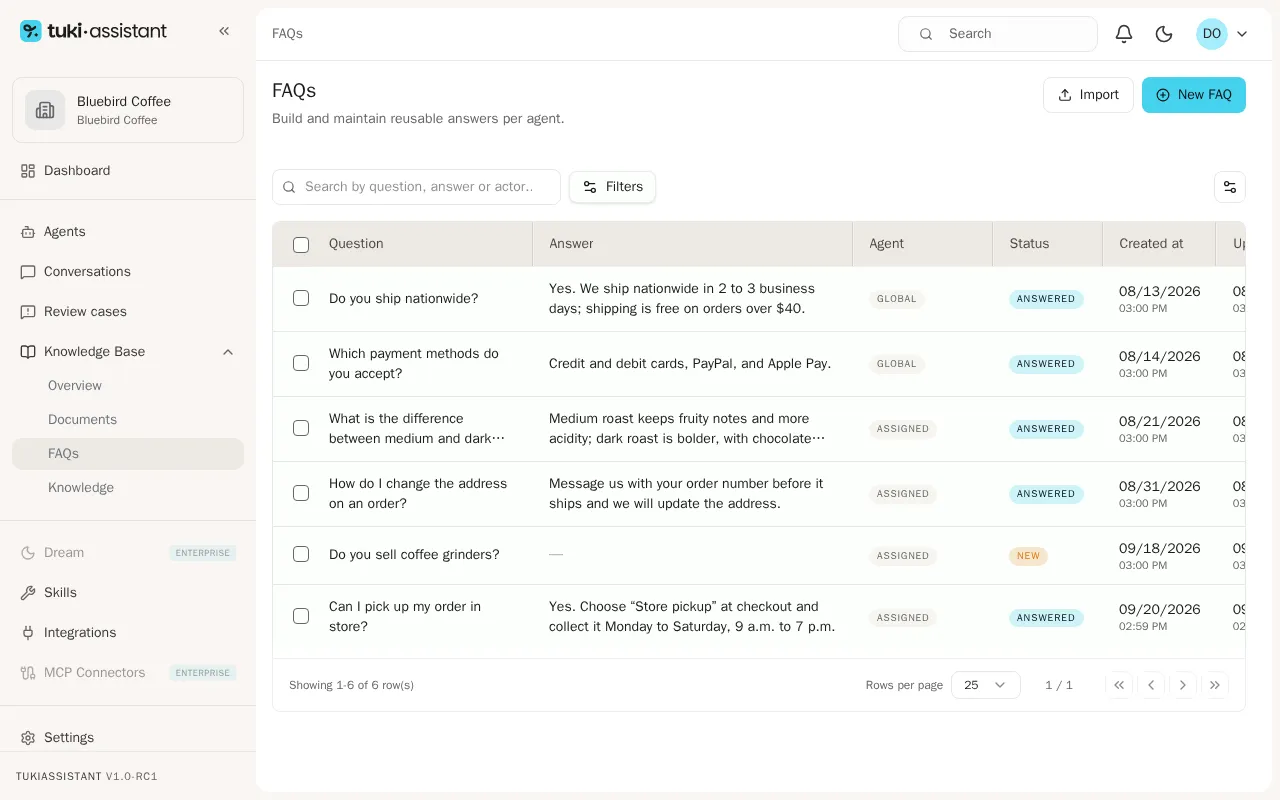
In the sidebar, open Knowledge Base and then FAQs. You’ll see the workspace FAQs with their agent and status.
Create a new FAQ
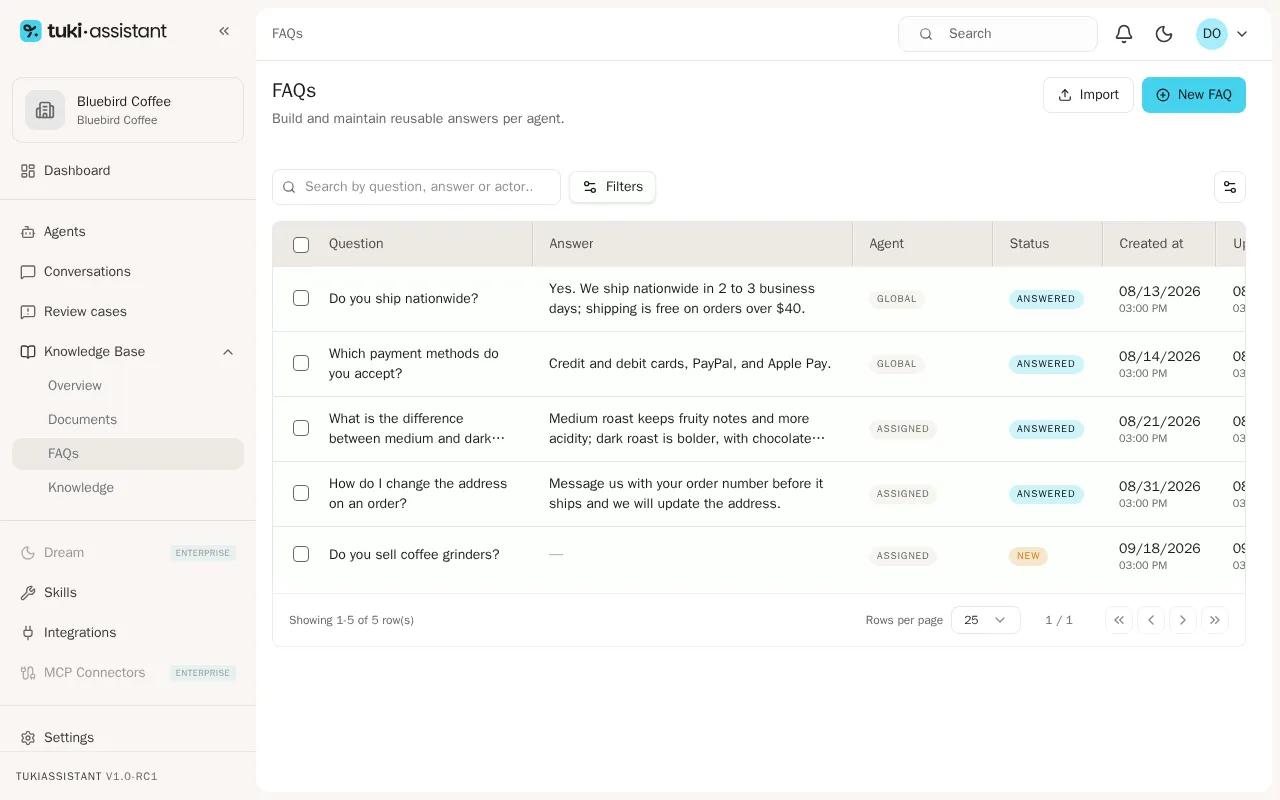
Click New FAQ in the top right.
Choose the scope
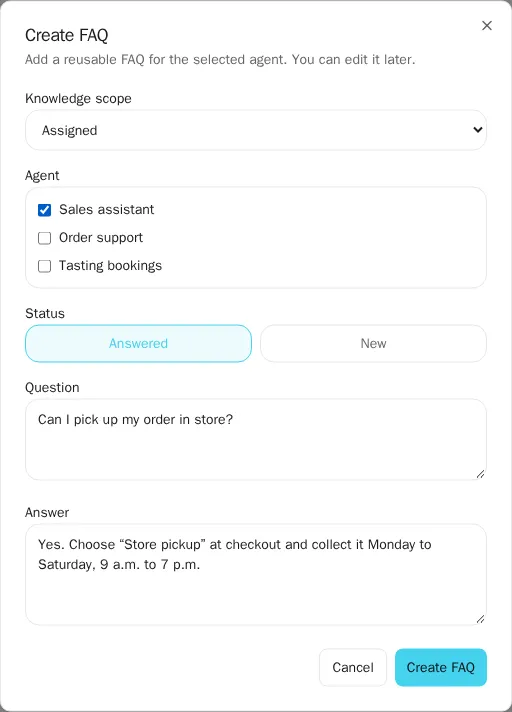
In Knowledge scope, choose who the question applies to:
- Assigned: only the agents you check under Agent use it.
- Global: every agent in the workspace uses it.
- Unassigned: it’s saved, but no agent uses it yet.
Choose the agents
If you chose Assigned, check one or more agents under Agent.
Set the status
In Status, keep Answered if you already have the answer. Choose New to record the question and answer it later.
Write the question
Type the Question the way a customer would ask it and, if applicable, the Answer.
Save the FAQ
Click Create FAQ. The question appears in the list.