

Create an agent
Create an agent from a template or from scratch, and complete its initial setup.
An agent is the assistant that answers your customers in the chat on your site, WhatsApp, Telegram, or other channels. You can create it from a template or start from scratch.
Steps
Open the template picker
Open the workspace, go to Agents in the side menu, and click New agent.
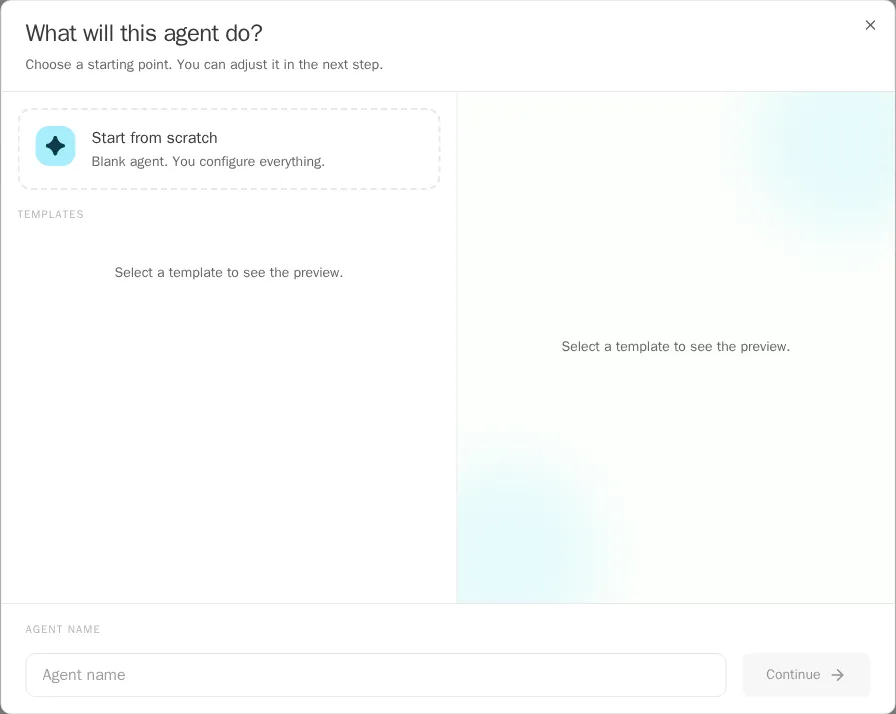
Choose a starting point
Choose a template or Start from scratch. Templates give you a starting point for the type of agent you want.
Enter a name
Enter the Agent name.
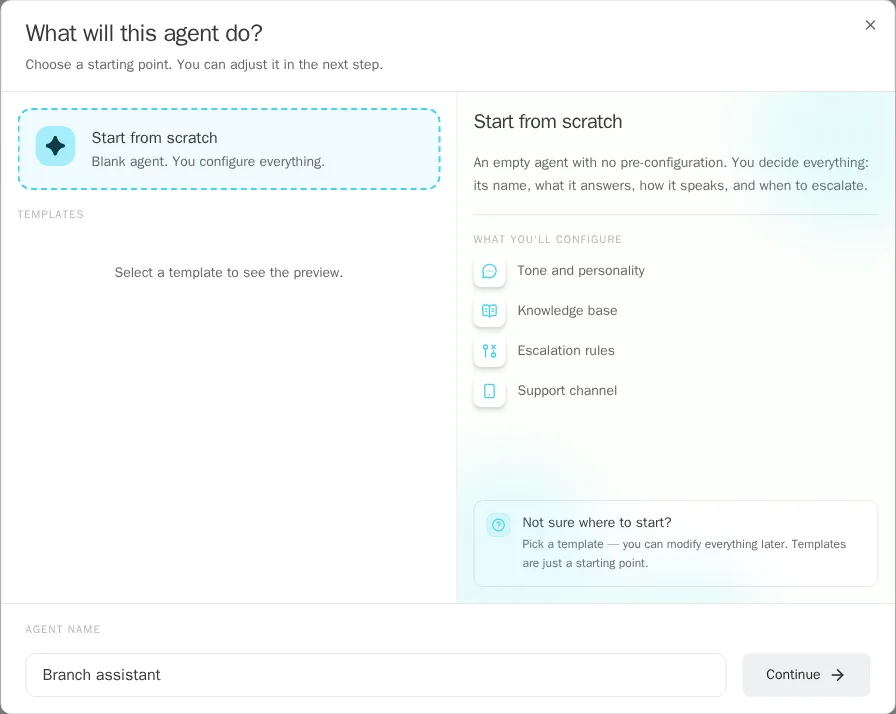
Answer the essential questions
Click Continue. The agent’s Initial setup opens. Under Essential Questions, answer what you can: use Save and continue to move on, or Answer later to skip a question. TukiAssistant generates the questions based on the template and what you write.
Add knowledge
Under Knowledge base, add the sources your agent will use: documents, FAQs, or structured data. If you don’t have the files yet, use Add later.
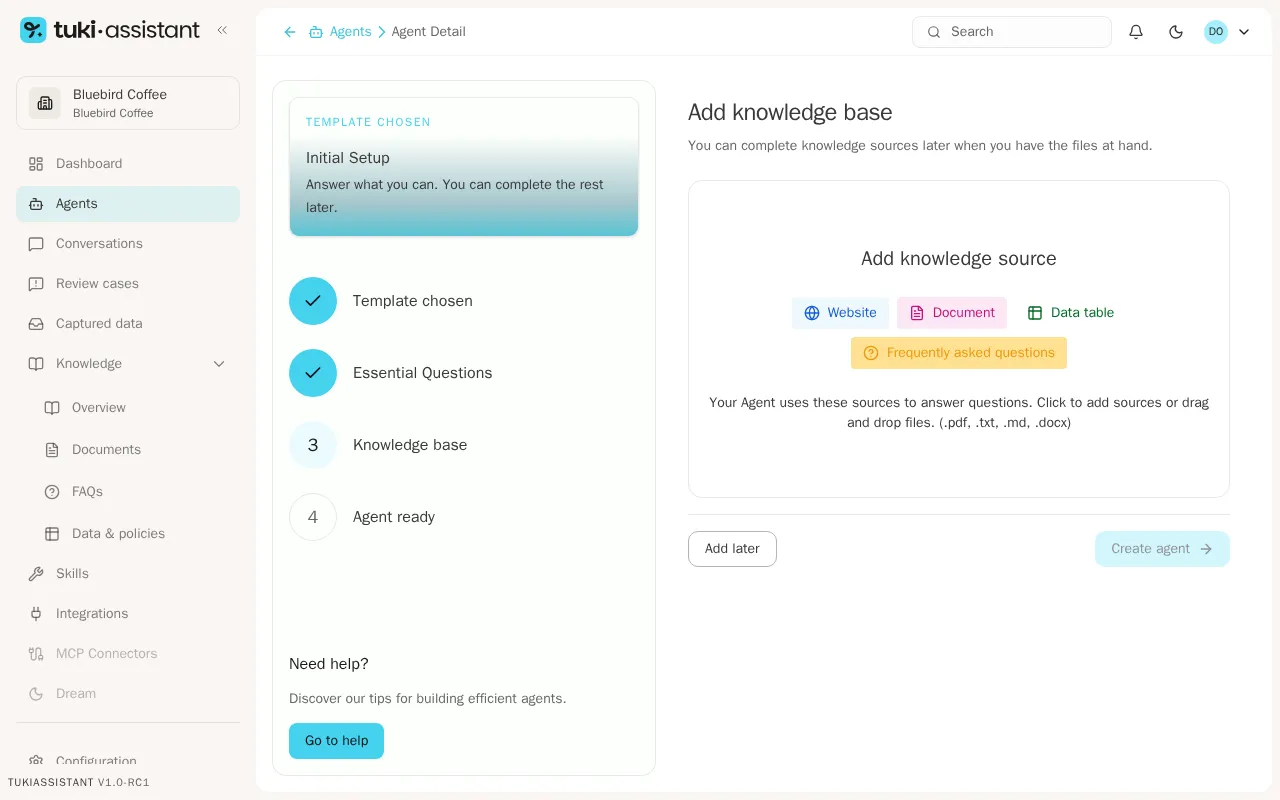
When you finish, the agent stays in draft. Review it and publish it when it is ready.