

What automated tasks are
Automated tasks do work without a conversation, when something happens or on a schedule, and record every run.
Your agents talk with your customers. An automated task is different: work an agent does on its own, with nobody on the other side. For example, evaluating every candidate who sent a CV, telling your team when an important order arrives, or preparing a summary every morning.
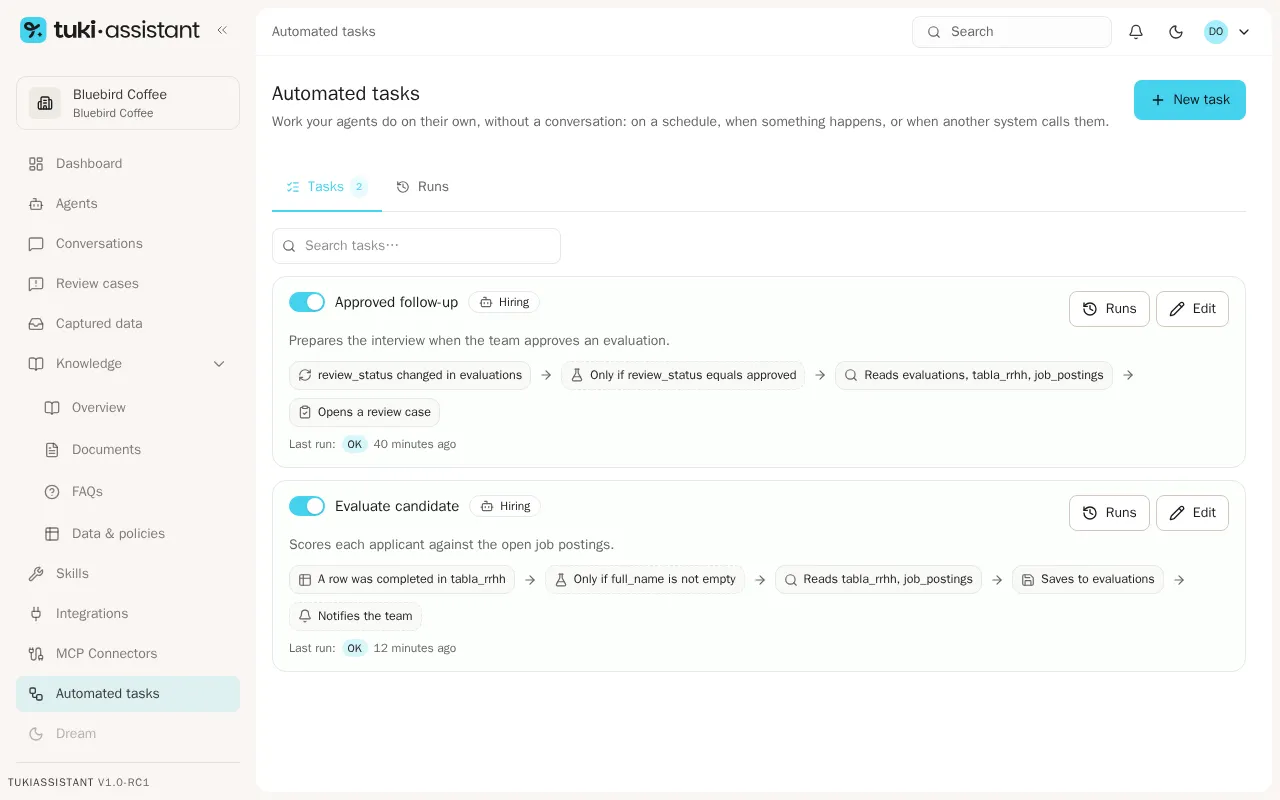
How a task works
Each task belongs to an agent and uses its data: the tables in its data store and, if you want, the tools of its MCP connectors. A task has four parts:
- Trigger: when it runs. Either Scheduled (every few hours, with an optional time window) or an Event: a message was received, a row was completed, a row was updated, or an external system called its webhook.
- Criterion (optional): conditions checked before starting, with no AI and no cost. If they are not met, the task does not run.
- What it does: the instructions for the AI and what it can look up.
- Actions: what happens with the result. They run in order and without AI: save to a table, notify the team, send to a webhook, or create a review case.
The AI only delivers the result in the format you defined; the actions use it. A task never writes anywhere you did not tell it to.
What it costs
Each run that calls the AI uses credits from your plan, like a conversation. Runs that do not meet the criterion use no credits. If an action fails and is retried, the AI is not charged again.